My Top 10 Most-Used Procreate Tools for Beginners. These are the Procreate tools I reach for in almost every project, ideal for new users who want to work faster and smarter.
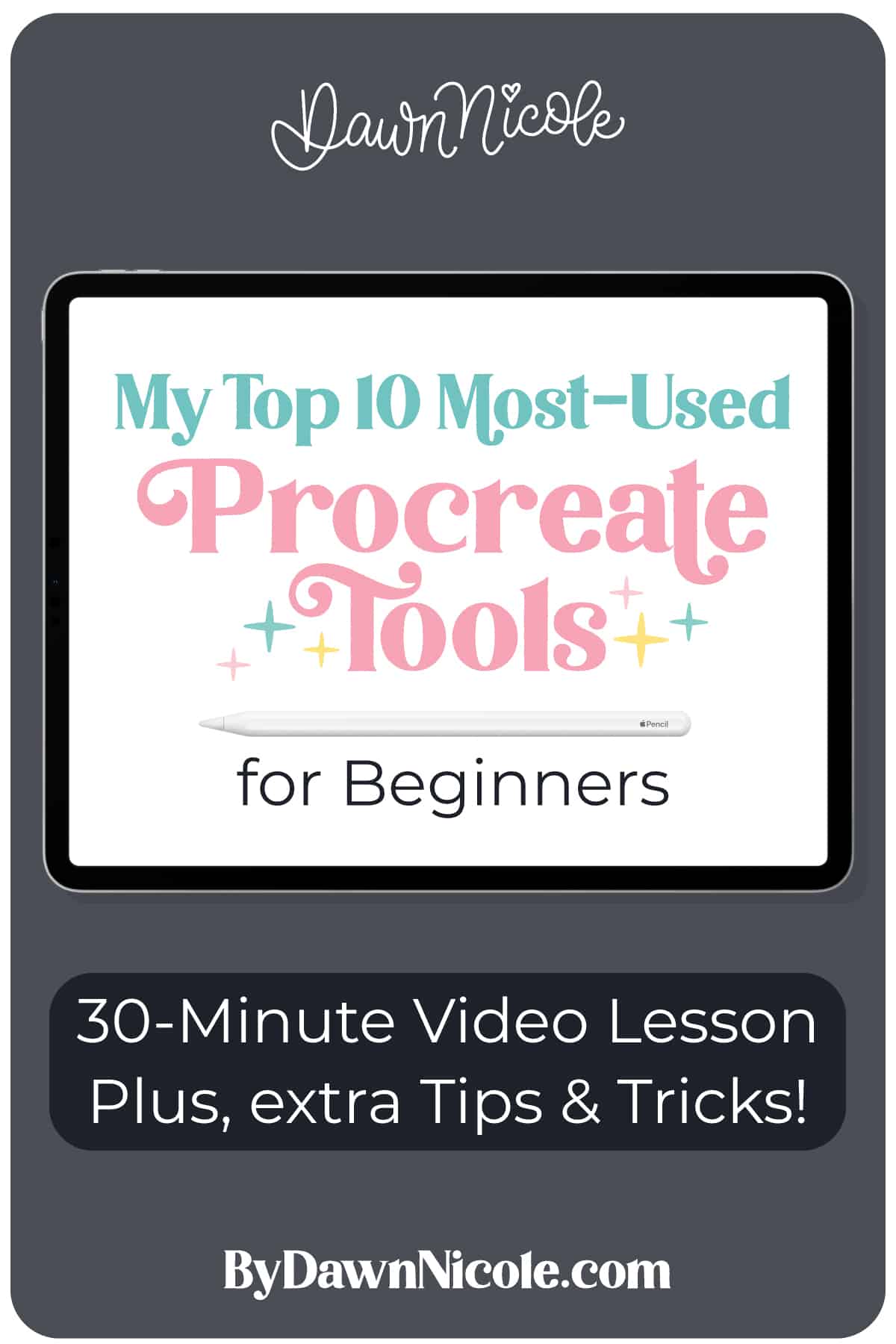
My Top 10 Most-Used Procreate Tools for Beginners
If you’re new to Procreate, it can feel like a lot right out of the gate. There are so many tools and gestures that it is hard to know which ones actually matter.
In this post and video tutorial, I’m sharing the ten Procreate tools I use in almost every single project.
These beginner-friendly favorites will help you draw cleaner shapes, speed up your workflow, and make your artwork look more polished without overthinking it.
WATCH THE VIDEO LESSON
I’ll walk you through all 10 tools, along with some tips and tricks, in this 30-minute video.
This year is all about sharing TONS of free Procreate video tutorials!
My Top Procreate TOOLS
- Straight Line / Line Edit / Arc Tool. Hold your pencil down to create a straight line, then use Edit Shape to fine-tune or turn it into a smooth arc.
- Quick Shape (Circles, Squares, Rectangles). Draw a rough shape and hold to instantly snap it into a clean circle, square, or rectangle.
- Two-finger tap to Undo. Made a mistake? Two-finger tap the screen to undo your last action, no menus needed.
- Select + Three-Finger Swipe (Cut, Copy, Paste). Use the Selection tool, then swipe down with three fingers to quickly cut, copy, or paste parts of your artwork. You can also use the selection tool, then the quick menu at the bottom of the screen to quickly copy + paste.
- Color Fill + Reference Layers. Drag and drop color to fill shapes. Click “continue filling” to tap in color. Use a Reference layer to fill multiple colors without coloring directly within your linework.
- Quick Color Selection Tool. Tap the rounded square in the side toolbar to select a color from your artwork quickly.
- Drawing Guide + Symmetry. Turn on Drawing Guides under Action Panel>Canvas to add grids or symmetry, perfect for balanced designs and mirrored artwork. The Wrench icon is the Action Panel.
- Snapping. Snapping helps objects and letters line up evenly as you move or resize them.
- Clipping Masks. Add a clipping mask layer to a parent layer so your colors, textures, or patterns stay neatly inside the shape below.
- Alpha Lock. Lock the transparency of a layer so you can recolor or add texture without painting outside the existing shape.
Let’s talk a bit more about the pros and cons of clipping masks vs. alpha lock, and when each is best to use.
Clipping Masks vs Alpha Lock
Clipping Masks: Pros and Cons
Pros
- Non-destructive. You can edit or delete the clipped layer without affecting the base layer.
- Great for textures, shading, and patterns.
- Keeps your original artwork untouched.
- Easy to toggle on and off.
Cons
- Uses extra layers, which can add up quickly.
- It can feel confusing at first if you are new to layers.
- Requires keeping layers organized.
Alpha Lock: Pros and Cons
Pros
- Fast and simple to use.
- Keeps everything on one layer.
- Perfect for quick recoloring or adding texture.
- No extra layers needed.
Cons
- Destructive. Changes permanently affect the layer.
- Harder to undo later once you move on.
- Not ideal for complex shading or layered effects.
Quick Tip
Use Alpha Lock for quick edits and recoloring. Use Clipping Masks when you want flexibility, layering, and the option to make changes later.
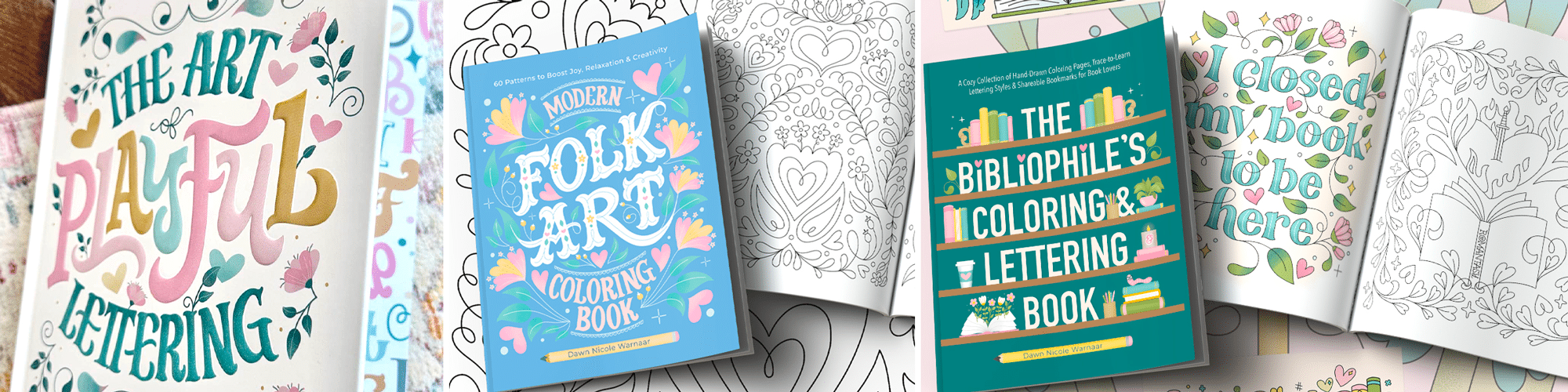
Learn the art of playful lettering with me
- Grab a copy of my book, The Art of Playful Lettering, on Amazon. Some of the info and artwork in this blog post were created for this book. That section of the book also contains color palettes to inspire your lettering creations!
- Check out the Procreate Brush Sets and Online Classes in my lettering shop.
- Grab a copy of the Modern Folk Art Coloring Book to relax and color my hand-drawn designs.
- Bookish? You’ll love my latest release, The Bibliophile’s Coloring and Lettering Book.
- Check out my Playful Lettering Style Challenge.
More from the Lettering shop
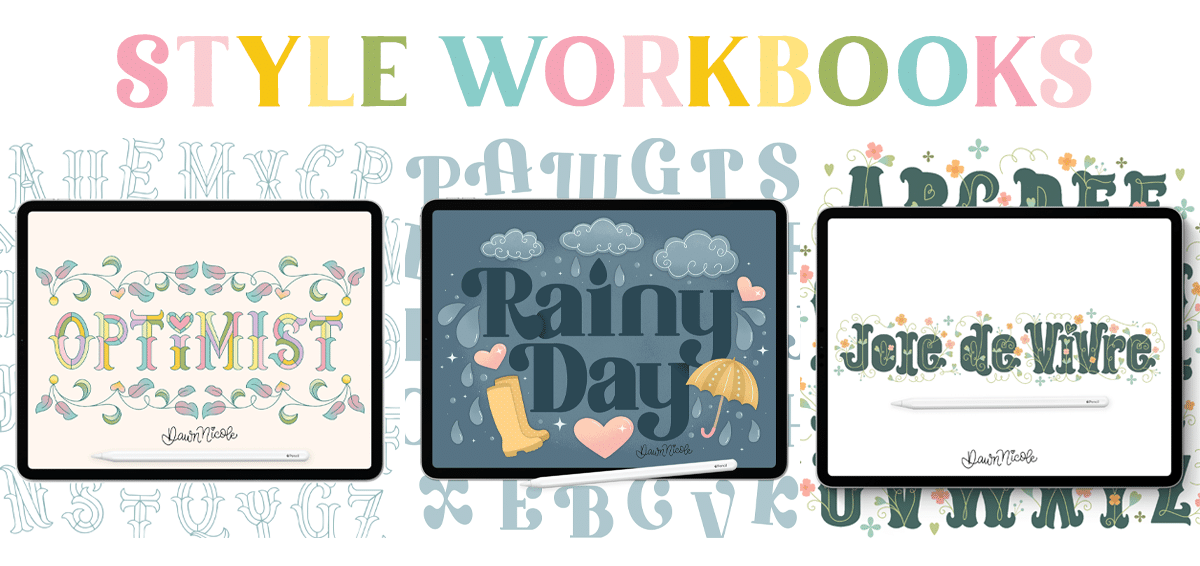
From the lettering Shop
Check out my five-star rated Procreate Brush Sets, Classes, & Lettering Style Workbooks!
Happy Creating!