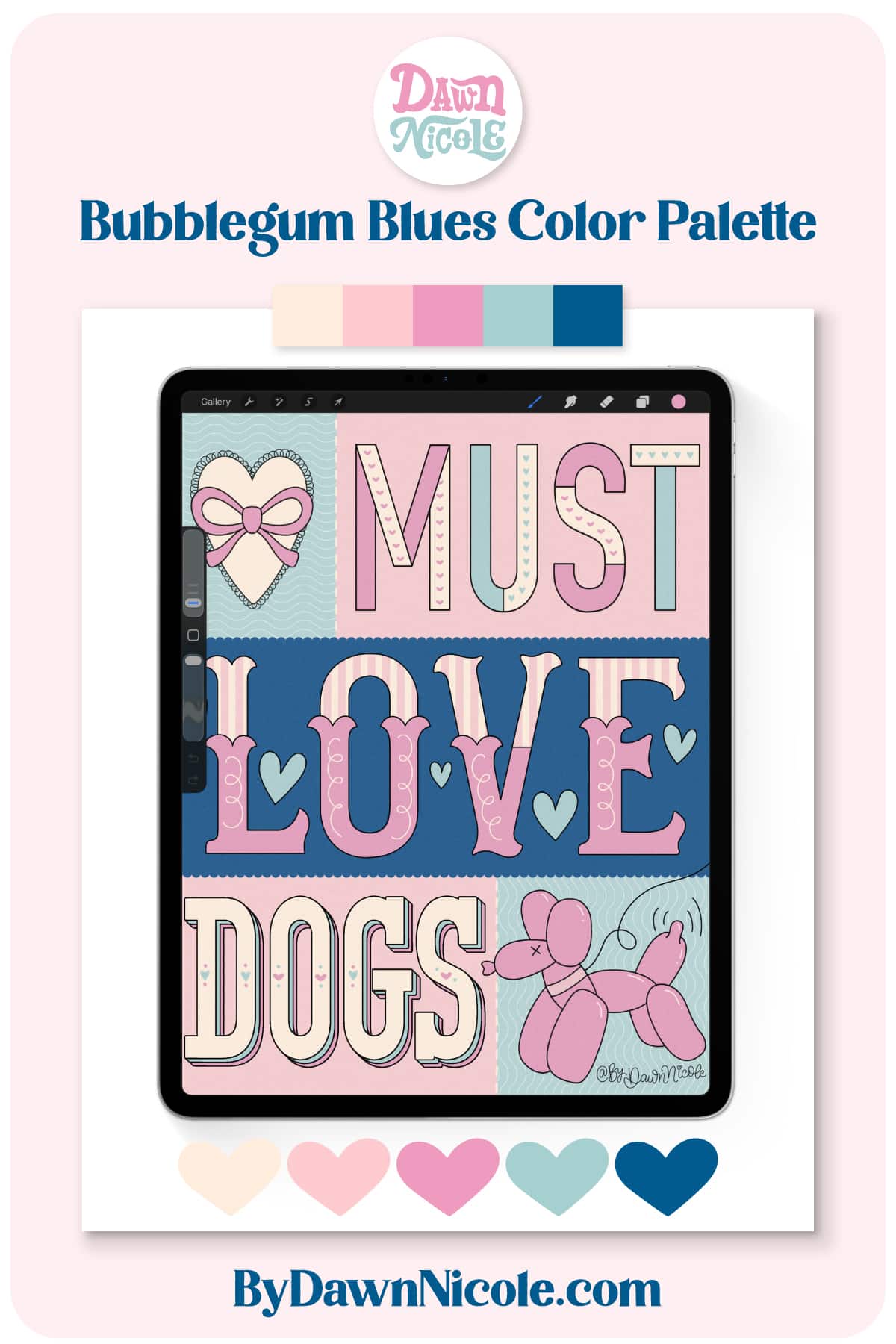
Bubblegum Blues Procreate Color Palette. Download the free Bubblegum Blues Procreate Color Palette with pops of pink, blue, and retro-inspired colors for cute lettering projects.
Bubblegum Blues Procreate Color Palette
If you love soft pastels, retro vibes, and candy-colored hues, you’re going to love this freebie.
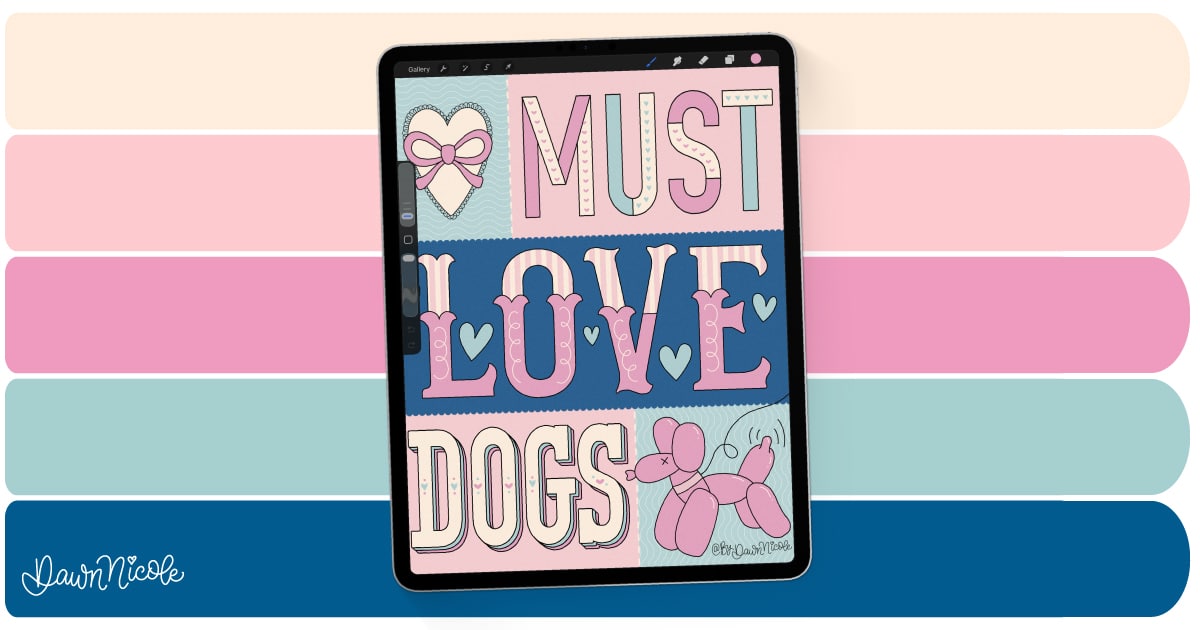
The Bubblegum Blues Procreate Color Palette features a sweet mix of pinks, blues, and creamy neutrals inspired by playful, vintage-style designs.
It’s perfect for lettering, illustrations, digital stickers, and colorful creative projects in Procreate.
The button near the middle of this blog post allows you to download this Procreate color palette for free.
- Check out my Procreate Tutorials for some lettering inspiration to pair with this palette.
- In my monthly newsletter, I share an exclusive free Procreate Color Palette. As a sign-up gift, you’ll also receive my Besties Procreate Brush set.
- You can learn how to create this Patchwork Tile Lettering in Procreate in my FREE Video Tutorial!
This year is all about sharing TONS of free Procreate video tutorials!
Subscribe to my YouTube Channel!
Importing a Color Palette into Procreate
Color palettes created specifically for Procreate are in a .swatches file format.
- Download the .swatches or .zip file color palette onto your iPad.
- If the file is zipped, uncompress it first. To do this, open the Files app, then find the .zip file you want to uncompress. Tap the .zip file. A folder containing the .swatches file will be created.
- Open Procreate and select the Palettes tab.
- Tap the + in the corner. Choose the New from file option and locate your .swatches file.
- Tap the .swatches file. It will now appear in your color palettes.
Noteworthy
- If you download the Color Palette on a MacBook, you can AirDrop it to your iPad, which should automatically install in your Procreate Palettes. This is how I typically do it. It’s ultra-easy!
- Prefer a video tutorial? Head to YouTube and search for How to Import a Color Palette into Procreate.
Download THE Procreate Color Palette
Download the .zip palette file below and follow the steps above to import it into the Procreate App.

Happy Creating!