Maximalist Lettering in Procreate. Learn to design bold, playful, maximalist lettering in Procreate with easy steps, creative tips, and tons of inspiration.
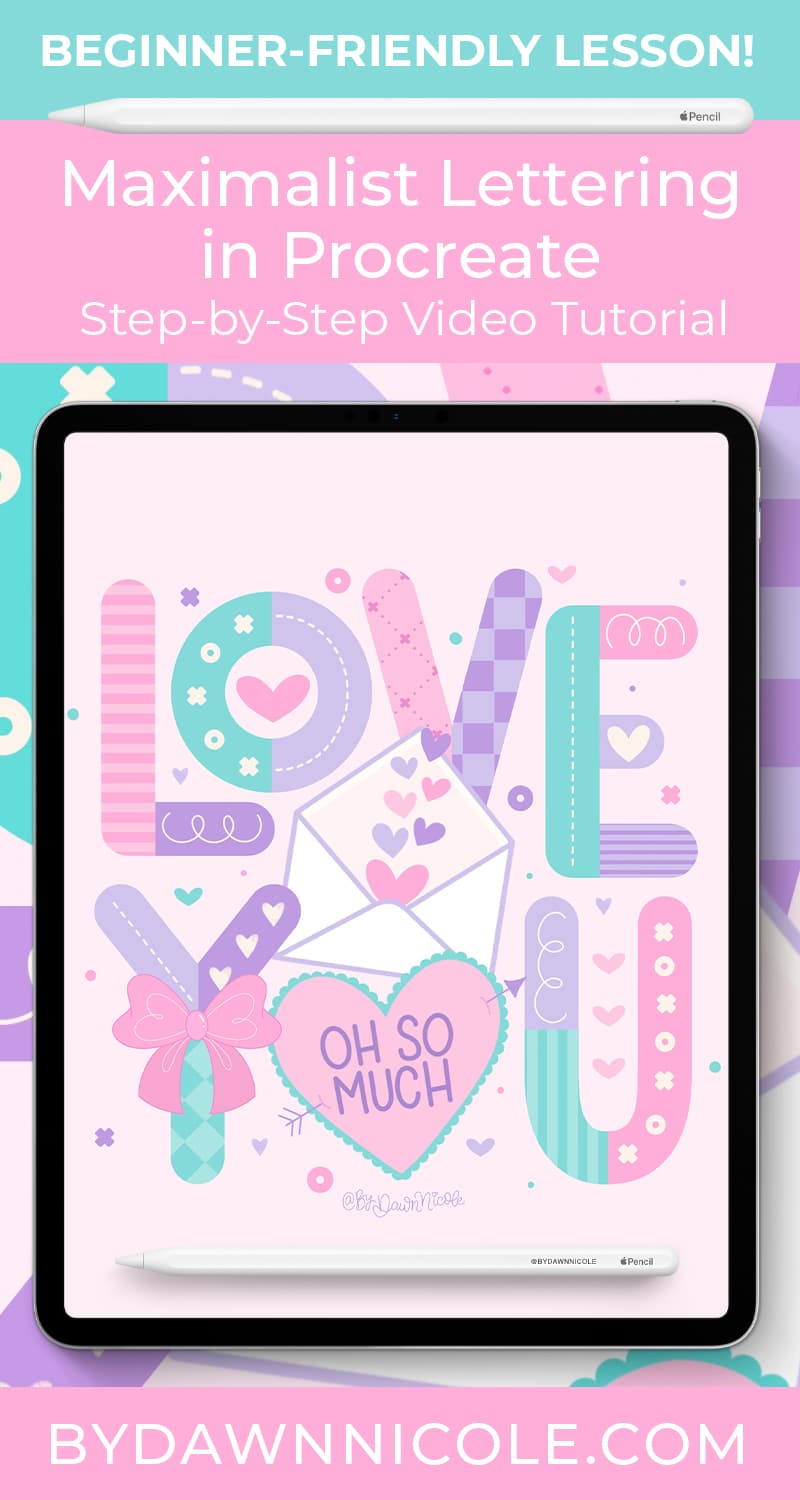
Maximalist Lettering in Procreate
Maximalist lettering is all about bold color, playful details, and filling every inch of your design with personality.
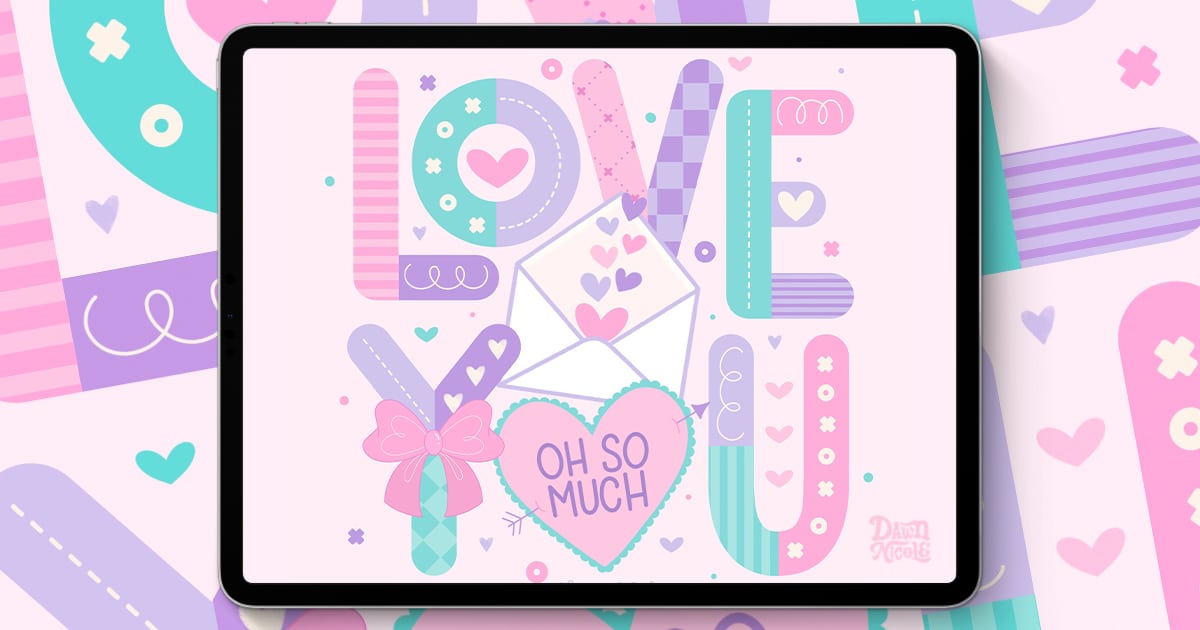
In this tutorial, I’ll show you how to create a fun, layered “Love You” lettering piece in Procreate using simple shapes, textures, and decorative elements.
From stitched details and patterned letters to hearts, bows, and envelopes, you’ll learn how to build a vibrant composition that feels cohesive and polished without feeling overwhelming.
Whether you’re new to digital lettering or looking to expand your creative style, this project will help you bring joyful, eye-catching designs to life.
What You’ll Need
- iPad, Apple Pencil, Procreate App
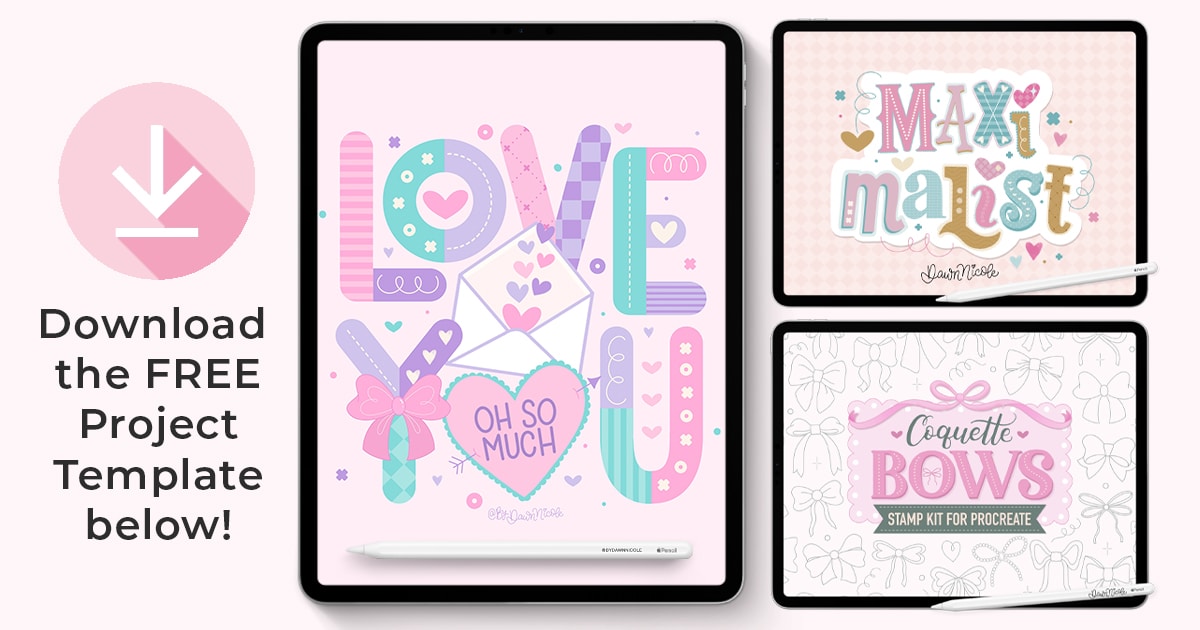
- Project Template (Procreate file format. Download for free below)
- Maximalist Lettering Kit for Procreate (most of the project is done with this brush set)
- Coquette Bow Procreate Stamp Kit (optional, but I’ll be using it in the tutorial)
- Optional: Pinky Promise Color Palette (Most of the colors I’m using come from this palette)
Download the Free PROJECT TEMPLATE
Please read the terms of use included with this download. Thank you!
Watch the Video Lesson
This video lesson is just over 46 minutes long.
This year is all about sharing TONS of free Procreate video tutorials!
Subscribe to my YouTube Channel!
Happy Lettering!