Patchwork Tile Lettering in Procreate. Create cute Patchwork Tile Lettering in Procreate with a bold colorblock layout. Follow this easy tutorial to design retro-style lettering.
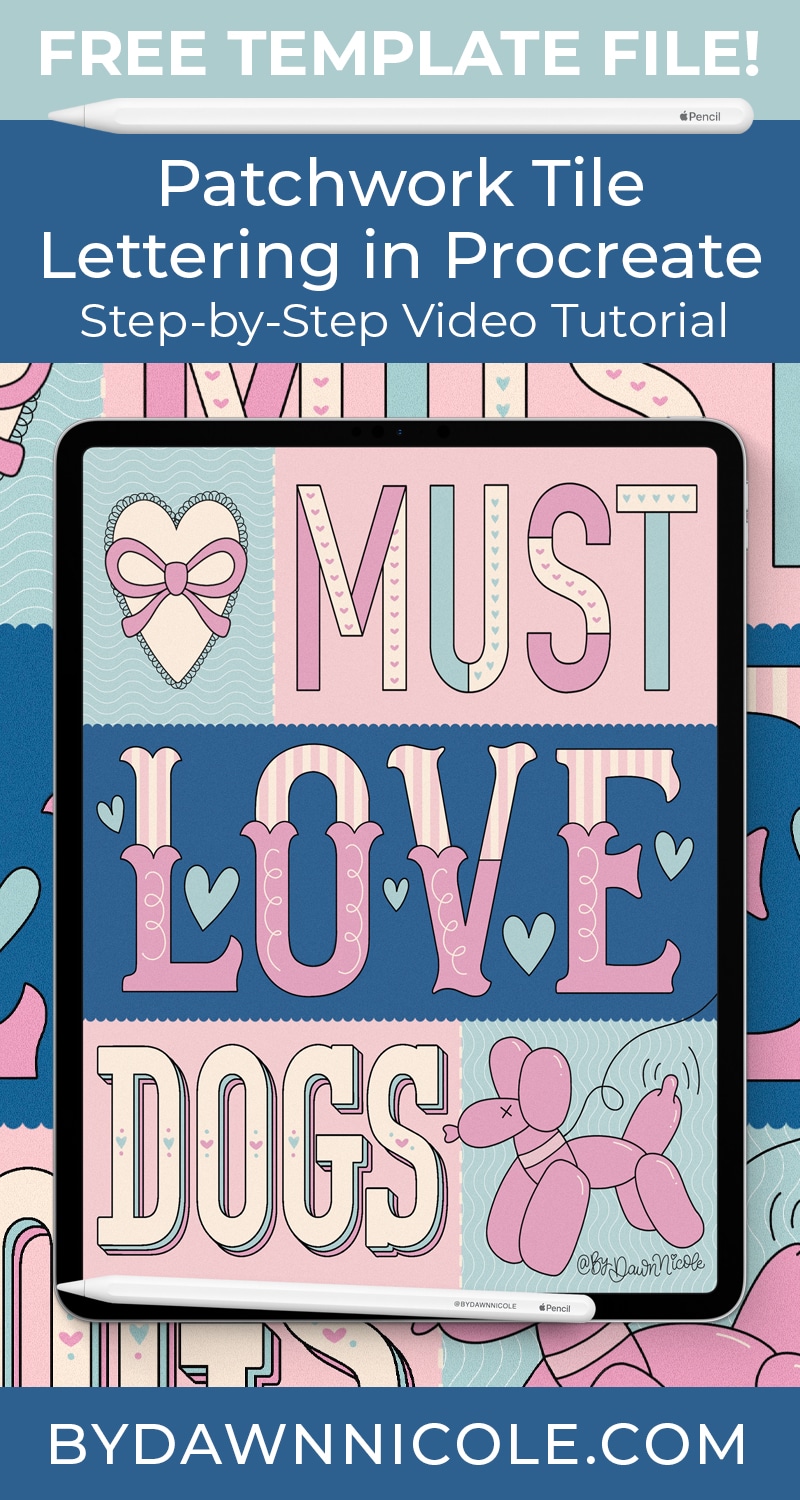
Patchwork Tile Lettering in Procreate
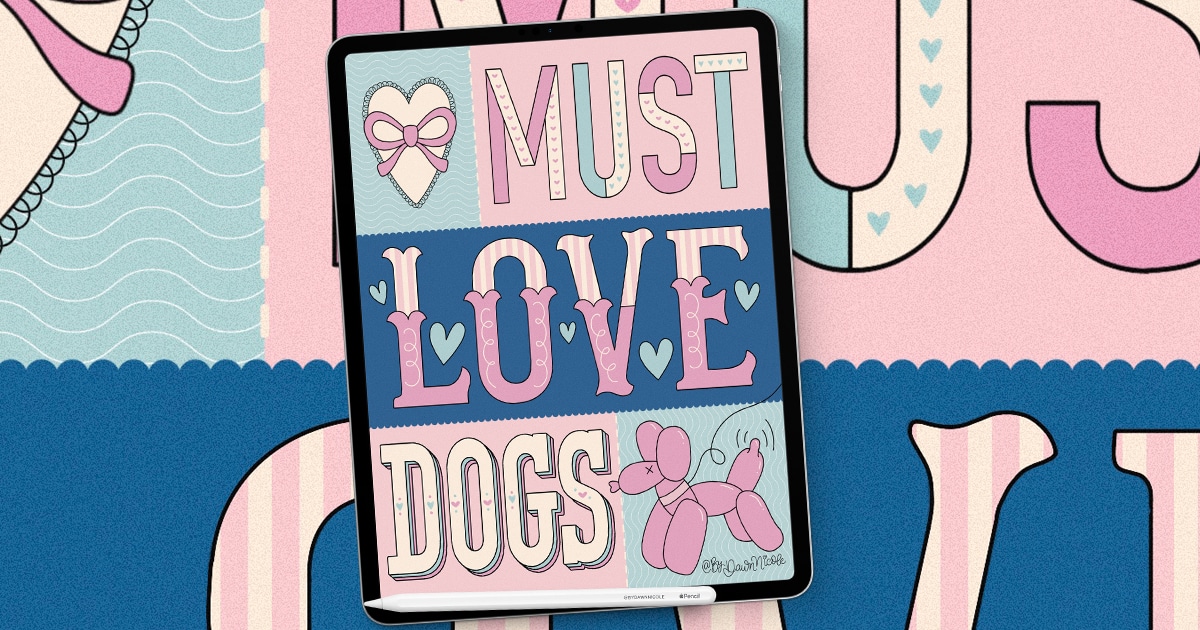
If you love colorful lettering and playful design, you’re going to love this project. In this tutorial, I’ll show you how to create Patchwork Tile Lettering in Procreate using a bold, colorblock layout that feels both retro and modern.
I’ll break the process down into simple, easy-to-follow steps so you can confidently design cute, polished lettering artwork that’s perfect for cards, prints, social media, and more.
Whether you’re new to digital lettering or looking for a fresh creative style to try, this project is a fun way to stretch your skills and spark new ideas.
What You’ll Need
- iPad, Apple Pencil, Procreate App
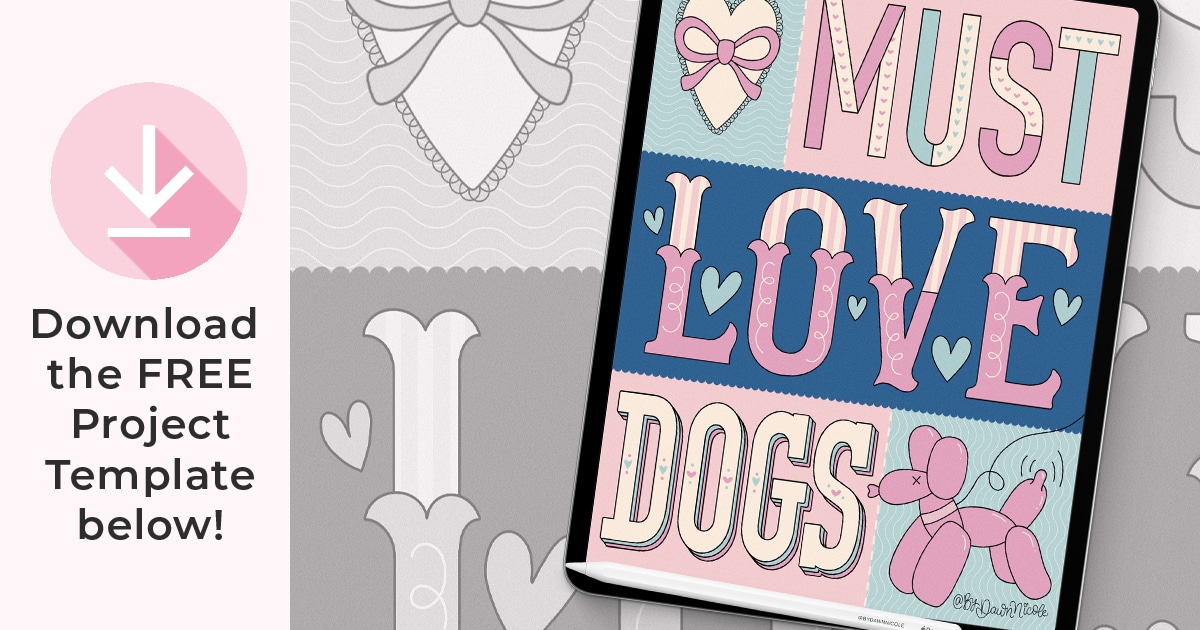
- Project Template (Procreate file format. Download for free below)
- Maximalist Lettering Kit for Procreate (most of the project is done with this brush set)
- Coquette Bow Procreate Stamp Kit (optional, but I’ll be using it in the tutorial)
- Bubblegum Blues Color Palette (if you want to use the same colors)
Download the Free PROJECT TEMPLATE
Please read the terms of use included with this download. Thank you!
Watch the Video Lesson
This video lesson is just over 40 minutes long. This is a slightly more intermediate-level tutorial, as you’ll be customizing the template letters and adding your own word and illustration in place of the dog-themed elements. That said, I’ll teach it in a way that a beginner can definitely still follow along to learn the overall style, lettering, and Procreate tips. 🙂
This year is all about sharing TONS of free Procreate video tutorials!
Subscribe to my YouTube Channel!

 Happy Lettering!
 Happy Lettering!