Download my free La Vie en Rose color palette for Procreate, featuring moody pinks and mauves inspired by floral and Parisian aesthetics.
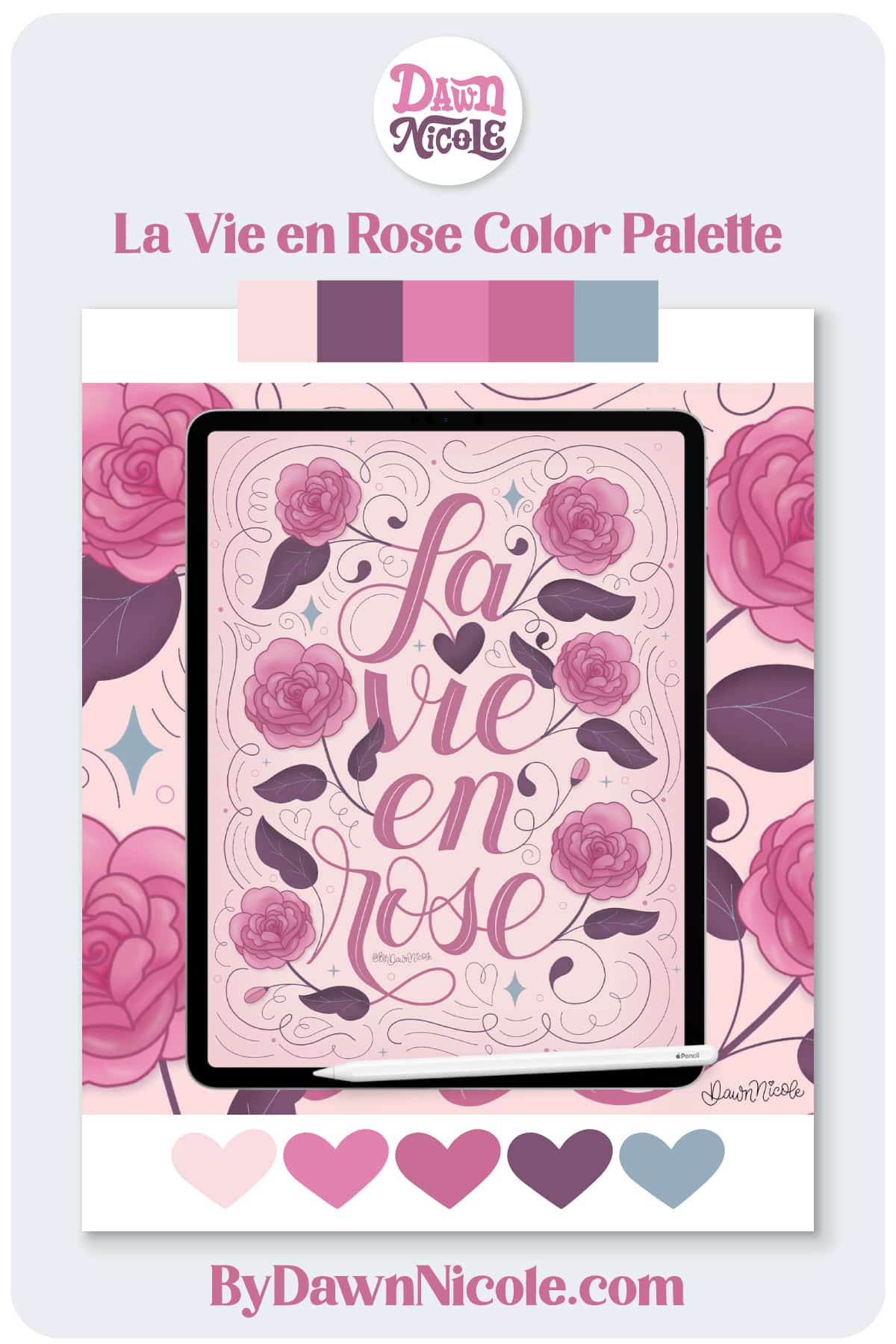
La Vie en Rose Procreate Color Palette
Step into a world of soft pink blooms and romantic vintage charm with my free La Vie en Rose Procreate Color Palette.
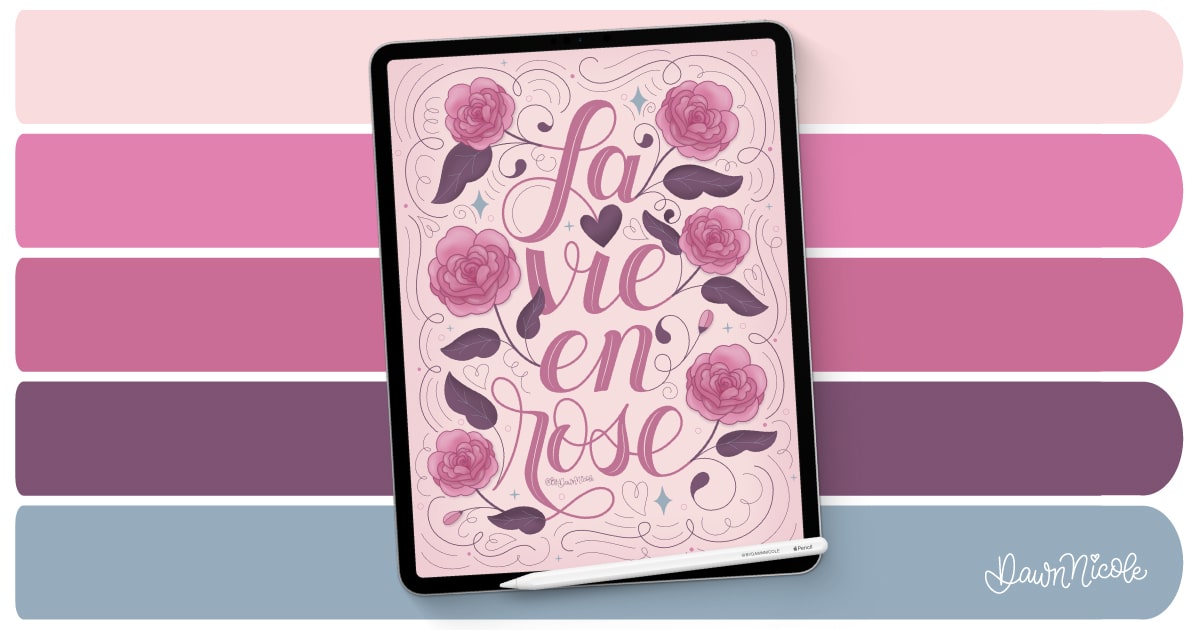
Inspired by delicate roses, dusty mauves, and dreamy French garden vibes, this palette combines blush pinks, rosy mauves, rich plum tones, and muted blue-gray accents that work beautifully together in hand lettering, floral illustrations, and feminine digital artwork.
Whether you’re creating elegant quotes, whimsical flower drawings, or decorative designs in Procreate, this free .swatches file makes it easy to bring a touch of rose-colored beauty to your next project.
Scroll down to download it below and start creating something magnifique. 🌹💕
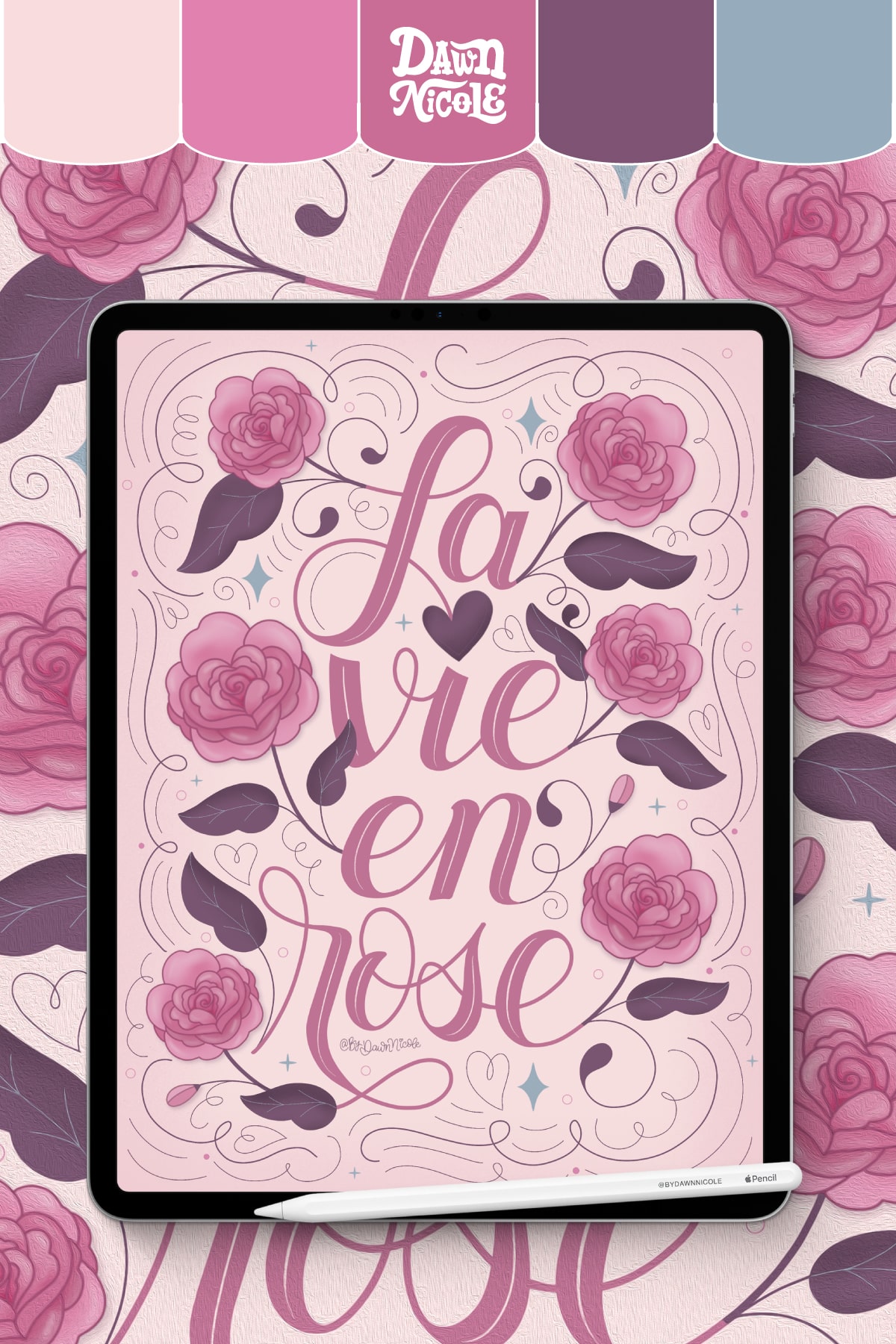
- Creation Details. I created this artwork using this color palette and my Procreate Brush and Stamp Kits.
- How to Draw Roses. You can learn to draw these roses in my Easy Rose Drawing (4 Beginner-Friendly Styles) tutorial.
- Freebie Alert! In my monthly newsletter, I often share an exclusive free Procreate Color Palette. As a sign-up gift, you’ll also receive my Besties Procreate Brush set.
- Want to learn to letter in Procreate? Check out my Beginner Guide to Lettering and my Ultimate Guide to Lettering in Procreate.
- Free Procreate Tutorials. Check out my Procreate Tutorials for some lettering inspiration to pair with this palette.

This year is all about sharing TONS of free Procreate video tutorials.
Subscribe to my YouTube Channel!
Importing a Color Palette into Procreate
Color palettes created specifically for Procreate are in a .swatches file format.
- Download the .swatches or .zip file color palette onto your iPad.
- If the file is zipped, uncompress it first. To do this, open the Files app, then find the .zip file you want to uncompress. Tap the .zip file. A folder containing the .swatches file will be created.
- Open Procreate and select the Palettes tab.
- Tap the + in the corner. Select the New from file option and locate your .swatches file.
- Tap the .swatches file. It will now appear in your color palettes.
Noteworthy
- If you download the Color Palette on a MacBook, you can AirDrop it to your iPad, which should automatically install in your Procreate Palettes. This is how I typically do it. It’s ultra-easy!
- Prefer a video tutorial? Head to YouTube and search for How to Import a Color Palette into Procreate.
Download THE Procreate Color Palette
Download the .zip palette file below and follow the steps above to import it into the Procreate App.

 Happy Creating!
 Happy Creating!