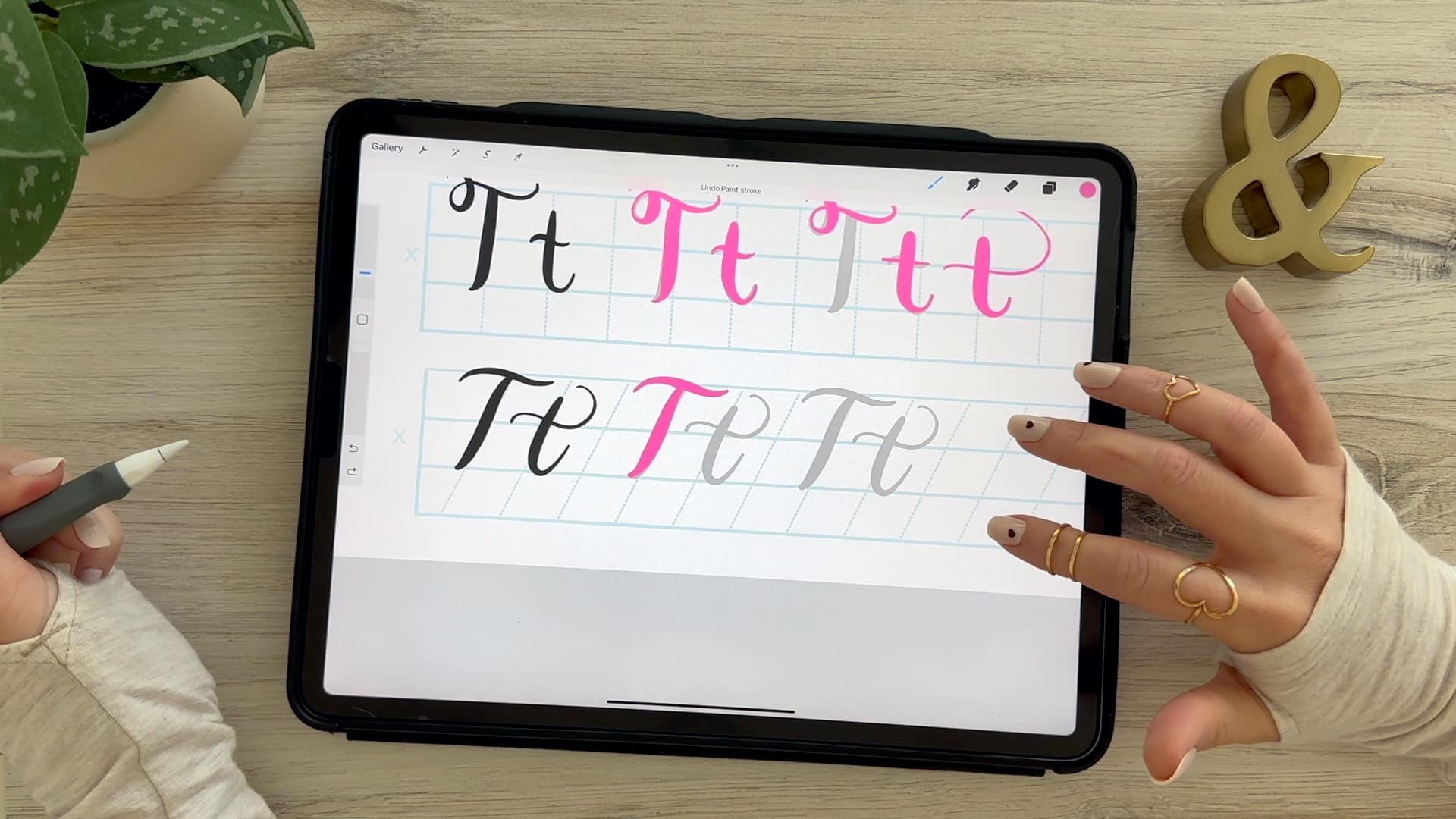
Calligraphy T: Uppercase & Lowercase (Video Tutorial). Learn to draw the letter T in this step-by-step brush calligraphy video tutorial for beginners. Follow along with paper or Procreate!
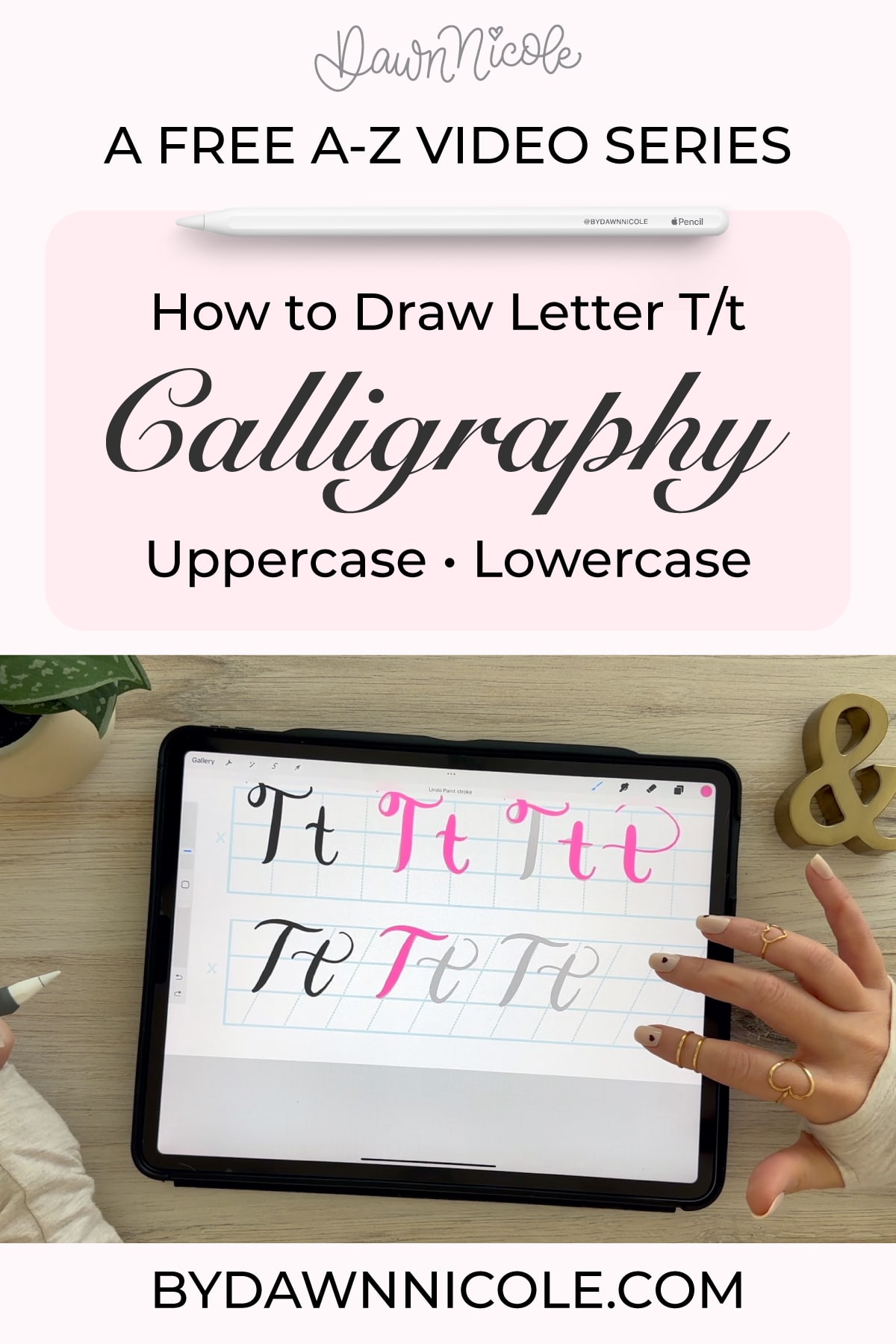
Calligraphy T: Uppercase & Lowercase (Video Tutorial)
If you’ve been practicing brush calligraphy, the letter T is a great next letter to work on.
Each letter brings its own challenges, and repetitive practice helps you build control, practice curves, transitions, and consistency. Once this one clicks, you’ll start to notice improvement across your lettering as a whole.
In this tutorial, I’ll walk you through both uppercase and lowercase, step by step, so you can practice with intention (and actually see progress).
Brush Calligraphy Basics
Before we start, remember the two rules that make brush calligraphy work:
- Upstrokes = light pressure (thin lines)
- Downstrokes = heavy pressure (thick lines)
Everything we’re about to do is built on that contrast.
Calligraphy T: Uppercase and Lowercase Video Tutorial
CALLIGRAPHY Alphabet A-Z: Free VIDEO TUTORIALS
Use the links below to watch the video for each letter of the alphabet. Click the letter you want to go to the blog post. Start with A or jump to any letter you want to practice first. I recommend starting with the calligraphy drills lesson and free practice sheets.
A – B – C – D – E – F – G – H – I – J – K – L – M – N – O – P – Q – R – S – T – U – V – W – X – Y – Z
Want to Take This Further?
If you’re practicing on Procreate and want more guidance on strokes, consistency, and building polished lettering pieces, I walk through the full process step by step inside my iPad Calligraphy in Procreate course.
It’s designed to take you from practicing letters… to actually creating finished work you’re proud of.
All of the practice sheets and Procreate brushes I’m using in the free video series are included in this class.
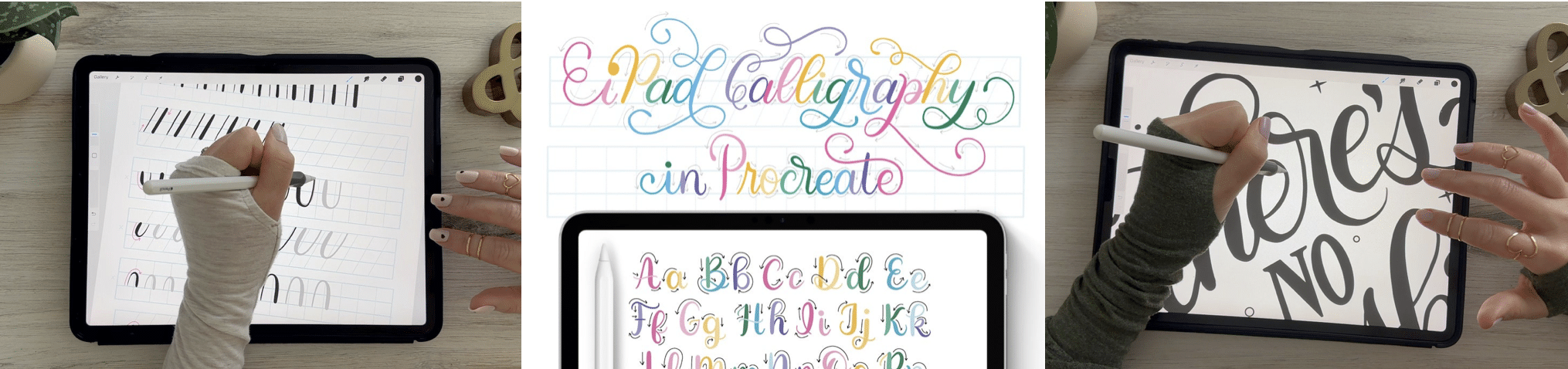
Want Step-by-Step iPad Calligraphy Lessons?
If you want guided, start-to-finish instruction for learning calligraphy on your iPad, I teach the full process inside my iPad Calligraphy in Procreate class. You’ll learn strokes, letterforms, words, and finished pieces with real-time demos and practice projects.
There are 50 Lessons and 3 Hours of Video Content. It’s well-organized and easy to follow via my online class platform (Thinkific). All the brushes and worksheets you need to learn iPad Calligraphy are included with the class.
- Intro Lessons (3 lessons + Class Downloads)
- Drills (1 lesson + Worksheet Set)
- Alphabet (26 lessons + Procreate Workbook)
- Words + Short Phrases (1 lesson + Worksheet Set)
- Tricky Letter Combos (1 lesson + Procreate workbook)
- Project No. 1: Calligraphy Word Art (6 Lessons)
- Project No. 2: Dancing Calligraphy Animation (2 Lessons)
- Project No. 3: Ghostwriting Animation (2 Lessons)
- Bonus Lessons (2 Lessons + Procreate Worksheet)
iPad Calligraphy in Procreate Class →
IPAD CALLIGRAPHY CLASS FAQs
- What Do I Need for this Class? You’ll need an iPad, Apple Pencil, and the Procreate App. Everything else you’ll need is included in your class downloads.
- Can I watch it anytime? Yes! The class is pre-recorded and available to watch at your convenience. You have lifetime access.
- Is it okay if I’m new to Procreate and/or Calligraphy? Yes, you are the intended audience for this class. We’ll take things step-by-step. I love project-based learning because it makes things more fun and easier to understand.
What to watch for
- A common mistake is making strokes feel too stiff. Try to keep everything fluid.
- Make sure your thick downstroke is actually thick (don’t be shy with pressure)!
- Try not to rush—smooth > fast.
Practice Tips for a Better “T”
“T” is one of the cleanest letters in brush calligraphy, but it’s also one of the easiest to overwork. The key is control, balance, and restraint: simple strokes done well.
- Start with a strong vertical stroke. Your downstroke is the foundation: Heavy, even pressure. Smooth and controlled. Keep it steady from top to baseline.
- Use a light entry stroke. Especially for the lowercase “t,” the entry should feel soft and natural: a thin upstroke. Gentle curve into the stem.
- Don’t place the crossbar too low. The cross stroke should usually sit slightly above the middle of the stem.. Too low can make the letter feel heavy or awkward.
- Keep the crossbar balanced. Avoid: Overly long crossbars and uneven horizontal strokes. A shorter, controlled crossbar often looks cleaner and more modern.
- Watch your ascender height. Lowercase “t” should rise above the x-height, but not as tall as letters like: l, h, and b. Consistency here makes your lettering feel polished.
- Keep the exit stroke light. The finishing stroke should flow naturally into the next letter, not feel forced or overly dramatic.
- Uppercase “T” = structure + simplicity. Think: a strong vertical stem, a balanced horizontal top stroke, and slight curves can soften the look without making it messy.
PRACTICE WORDS WITH “T”
These help with spacing and crossbar control:
- to
- time
- trust
- today
- together
Common Mistakes
- Pressing too hard on every stroke (you’ll lose contrast).
- Uneven shapes.
- Rushing through the letter instead of building it intentionally.
💡Extra Tip (THIS ONE makes a big difference)
Practice rows of:
- vertical stem → crossbar
Focus on placing the crossbar consistently every time. That tiny detail changes the whole feel of your lettering.
“T” may look simple, but clean, controlled “t” shapes make your entire alphabet look more refined.
FAQ: Calligraphy Letter T
How do you write calligraphy T?
A calligraphy T is created using a combination of thin upstrokes and thick downstrokes, following the natural flow of brush lettering. Watch the video lesson for more precise instruction on this letter.
Why is my letter uneven?
This usually comes down to inconsistent pressure or rushing your strokes. Slowing down and focusing on control will make a big difference.
Is it hard to learn calligraphy?
Some letters are trickier than others, but with step-by-step practice, they all become much easier over time.
Can I practice this in Procreate?
Yes, these same techniques apply to digital brush calligraphy, and Procreate is a great tool for practicing and refining your strokes.
HELPFUL LINKS
- Practice the next letter: Calligraphy U
- Or go back: Calligraphy S
Related Series
- The Anatomy of Letters: An A-Z Guide
- Hand Lettering the Alphabet A–Z for Beginners
- Playful Bubble Letters: A-Z (with free Practice Sheets!)
- Playful Serif Lettering Alphabet: A-Z Tutorials (with freebies!)
- Modern Penmanship Tips for Calligraphy and Lettering Lovers
Subscribe to my YouTube Channel!
Happy Practicing!